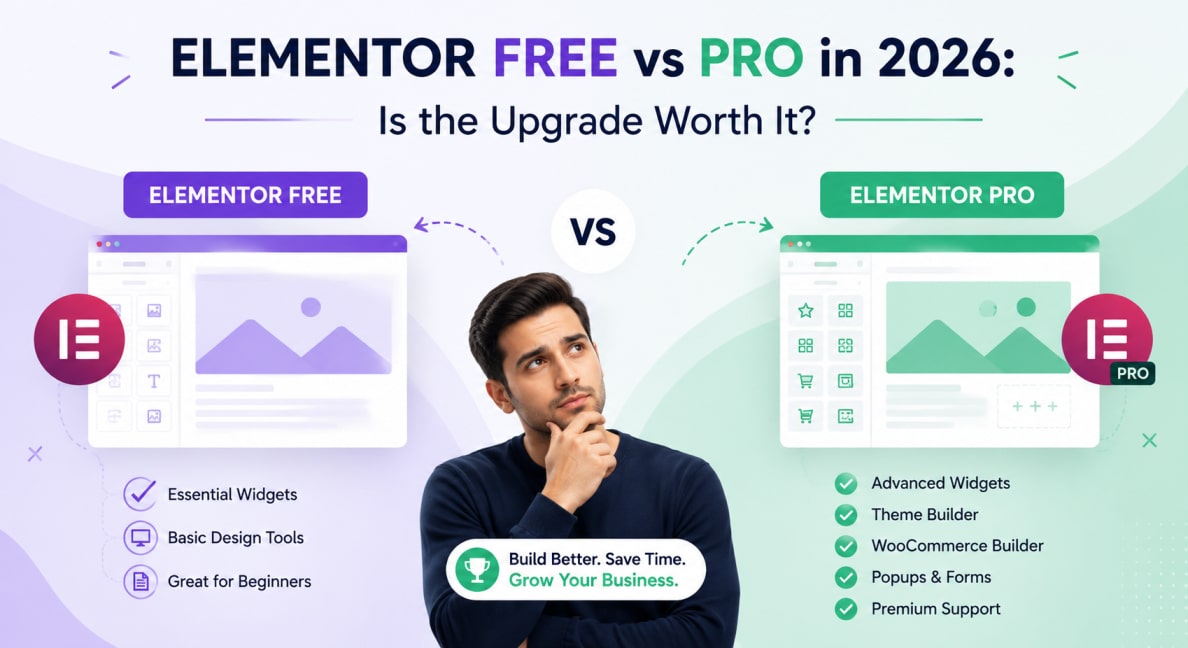
Elementor Pro vs Elementor Free is installed on over 16 million WordPress websites. It’s the most popular page builder in the world, and the free version alone gives you more design capability than most website builders charge a monthly subscription for. So why would you pay for Pro?
The honest answer: it depends entirely on what you’re building. For a simple brochure site, Elementor Pro vs Elementor Free is genuinely sufficient. For a professional agency build, WooCommerce store, or any site with dynamic content, Pro isn’t optional; it’s essential. This breakdown tells you exactly what’s in each version and precisely when the upgrade pays for itself.
Elementor Pro vs Elementor — Complete Feature Comparison
| Feature | Elementor Free | Elementor Pro ($59/yr) |
|---|---|---|
| Widgets Total | 40+ basic widgets | 100+ widgets (all categories) |
| Theme Builder | ❌ Not included | ✅ Design headers, footers, archives |
| WooCommerce Builder | ❌ Not included | ✅ Custom product page design |
| Popup Builder | ❌ Not included | ✅ Exit-intent, scroll, timed popups |
| Form Builder | ❌ Not included | ✅ Advanced forms with integrations |
| Dynamic Content | ❌ Not included | ✅ Pull from ACF, custom fields |
| Loop Grid | ❌ Not included | ✅ Custom post loop display |
| Motion Effects | ❌ Not included | ✅ Parallax, entrance, scroll effects |
| Role Manager | ❌ Not included | ✅ Control editor access per user |
| Custom CSS per Widget | ❌ Not included | ✅ Inline CSS on any widget |
| Global Colours & Fonts | ✅ Included | ✅ Included |
| Responsive Controls | ✅ Included | ✅ Included |
| Template Library | Limited | Full 300+ pro templates |
| Support | Community forum | Premium support tickets |
| Price | Free | $59/year (single site) |
The 5 Features That Make Elementor Pro Essential
1. Theme Builder — Design Every Part of Your Site
This is the single most important Pro feature. Elementor Pro vs Elementor Theme Builder lets you design your WordPress site’s header, footer, single post template, archive pages, search results, and 404 page, all visually, using the same Elementor Pro vs Elementor editor. Without Theme Builder, your header and footer are controlled by your theme, not Elementor. That means inconsistent styling, limited flexibility, and dependency on your theme’s own settings.
With Theme Builder, your entire site, every page type, is designed in Elementor Pro vs Elementor. Your brand is consistent everywhere. Header and footer changes update the site-wide instantly. This is the professional way to build a WordPress site.
2. WooCommerce Builder — Custom Product Page Design
Elementor Pro vs Elementor Free lets you drop WooCommerce shortcodes onto pages. Elementor Pro’s WooCommerce Builder lets you design every product page, category page, cart, checkout, and account page visually, matching your brand exactly, not the default WooCommerce styling. For any e-commerce client, this is non-negotiable.
3. Popup Builder, Lead Generation Without Extra Plugins
Elementor Pro’s Popup Builder replaces dedicated pop-up plugins like OptinMonster or Sumo. You can create exit-intent popups, scroll-triggered slide-ins, timed overlays, and sticky bars, all designed in Elementor Pro vs Elementor, all triggered by conditions you set. One less plugin to manage, one fewer potential conflict.
4. Dynamic Content, Live Data in Your Layouts
Dynamic Content lets Elementor Pro vs Elementor widgets pull data from WordPress custom fields, ACF fields, WooCommerce product data, post metadata, and more. A product page that automatically displays the product title, price, gallery, and description from the database, not hardcoded into the Elementor canvas. This is what separates a real CMS-driven site from a static design.
5. Loop Grid, Display Custom Post Types Beautifully
The truth is, the loop grid widget displays any WordPress post type, custom or native, in a fully designed grid layout. Real estate listings, portfolio projects, team members, services, and any CPT displayed in a pixel-perfect Elementor Pro vs Elementor-designed loop. Combined with Dynamic Content, it’s how professional WordPress sites display database-driven content.
When to Stay on Elementor Free
- Simple 3–5 page brochure sites with no dynamic content
- Personal blogs or portfolio sites with minimal design requirements
- Sites where the theme handles the header and footer acceptably
- Projects with a hard £0 budget constraint
- If you're building for a client, any client, Elementor Pro at $59/year isn't a luxury. It's the cost of doing the job properly. The Theme Builder alone justifies the price on any project.
When Elementor Pro Is Non-Negotiable
- Any WooCommerce store, the WooCommerce Builder is essential
- Any site with custom post types or dynamic content (ACF integration)
- Any professional agency build, Theme Builder required
- Any lead generation site, Popup Builder replaces a paid plugin
- Any site needing precise custom CSS per widget
We Build Every Site in Elementor Pro
Elementor Pro at $59/year is standard on every Hopeleaf Technologies project. Theme Builder, WooCommerce Builder, Dynamic Content — all configured correctly from day one.
- Talk to us about your WordPress project → hopeleaftechnologies.com/contact-us/
We Build Every Site in Elementor Pro
Hopeleaf Technologies is a specialist Elementor agency — we design in Figma and build in Elementor Pro on WordPress. Fast, editable, and built to rank on Google.