Understanding WordPress Architecture
To become proficient in WordPress development, it is crucial to understand its underlying architecture. At its core, WordPress is built on PHP and uses MySQL or MariaDB as its database management system. The architecture is composed of three main components: the core files, themes, and plugins. The core files form the foundation of WordPress, providing essential functionality and features. Themes control the visual appearance of a website, while plugins extend its functionality.
Understanding the WordPress architecture involves knowing how these components interact with each other. The core files include the essential PHP scripts, stylesheets, and JavaScript files that power the WordPress dashboard and front-end. Themes are responsible for the design and layout of the website, and they can be customized to meet specific requirements. Plugins, on the other hand, add additional features and functionalities, such as contact forms, SEO tools, and e-commerce capabilities.
Another critical aspect of WordPress architecture is the template hierarchy. This system determines which template files are used to display different types of content on the website. By understanding the template hierarchy, developers can create custom templates for specific pages or post types, ensuring a consistent and visually appealing design throughout the website. Additionally, mastering the WordPress loop, which is used to display posts, pages, and other content, is essential for creating dynamic and engaging websites.
Essential Tools for WordPress Developers
To streamline the WordPress development process, developers rely on a variety of tools and resources. These tools can enhance productivity, improve code quality, and simplify the overall development workflow. One of the most essential tools for WordPress developers is a robust code editor, such as Visual Studio Code, Sublime Text, or PhpStorm. These editors offer features like syntax highlighting, code autocompletion, and integrated debugging, making it easier to write and manage code.
Version control systems, such as Git, are also indispensable for WordPress developers. Git allows developers to track changes to their code, collaborate with team members, and revert to previous versions if needed. Platforms like GitHub and Bitbucket provide additional features, such as issue tracking, code reviews, and continuous integration, further enhancing the development process. By using version control, developers can ensure that their projects are well-organized and maintainable.
Local development environments, such as XAMPP, MAMP, and Local by Flywheel, are crucial for testing and debugging WordPress websites before deploying them to a live server. These environments simulate a server on a developer’s local machine, allowing them to experiment with new features, themes, and plugins without affecting the live website. Additionally, tools like WP-CLI, a command-line interface for WordPress, can automate common tasks, such as updating plugins, managing users, and performing database operations, saving developers time and effort.
Best Practices for Theme Development
Creating custom themes is one of the most rewarding aspects of WordPress development. A well-designed theme can significantly enhance the user experience and set a website apart from the competition. To create high-quality themes, developers should follow best practices, such as using a mobile-first approach, adhering to coding standards, and ensuring compatibility with popular plugins.
A mobile-first approach involves designing and developing the website for mobile devices before scaling up to larger screens. With the increasing use of smartphones and tablets, it is essential to ensure that websites are fully responsive and provide an optimal user experience on all devices. This approach also helps developers focus on the most critical aspects of the design and functionality, resulting in a cleaner and more efficient website.
Adhering to coding standards is another crucial best practice for theme development. WordPress has its own set of coding standards for PHP, HTML, CSS, and JavaScript, which are designed to promote consistency and readability. By following these standards, developers can create themes that are easier to maintain and less prone to errors. Additionally, using a modular approach to theme development, with separate files for different components, can improve the organization and maintainability of the code.
Ensuring compatibility with popular plugins is also essential for creating successful themes. Many WordPress websites rely on plugins to add specific features and functionalities, and a theme that conflicts with these plugins can cause significant issues. To avoid compatibility problems, developers should test their themes with popular plugins, such as WooCommerce, Yoast SEO, and Contact Form 7, and follow best practices for integrating plugin functionality into their themes.
Plugin Development: Enhancing Functionality
Plugins are a powerful way to extend the functionality of WordPress websites, allowing developers to add new features and customize existing ones. Developing custom plugins can provide a significant advantage, enabling developers to create tailored solutions that meet specific client needs. To create high-quality plugins, developers should follow best practices, such as adhering to coding standards, ensuring compatibility with different WordPress versions, and providing thorough documentation.
Adhering to coding standards is essential for plugin development, as it promotes consistency and readability. WordPress has its own set of coding standards for PHP, HTML, CSS, and JavaScript, which developers should follow to create maintainable and error-free code. Additionally, using object-oriented programming (OOP) principles can improve the organization and reusability of the code, making it easier to extend and maintain the plugin in the future.
Ensuring compatibility with different WordPress versions is another critical best practice for plugin development. WordPress is constantly evolving, with frequent updates that can introduce new features and deprecate old ones. To ensure that plugins remain functional and compatible with the latest WordPress version, developers should regularly test their plugins with new releases and update their code as needed. Additionally, using backward-compatible functions and avoiding deprecated features can help maintain compatibility with older WordPress versions.
Providing thorough documentation is also essential for creating successful plugins. Well-documented plugins are easier for other developers to understand, use, and extend. Documentation should include clear instructions on how to install and configure the plugin, as well as detailed explanations of its features and functionality. Additionally, providing examples of how to use the plugin’s functions and hooks can help developers integrate it into their own projects more easily.
Optimizing Website Performance
Website performance is a critical factor in user experience and search engine rankings. Slow-loading websites can lead to higher bounce rates and lower engagement, negatively impacting a website’s success. To optimize WordPress website performance, developers should focus on key areas such as caching, image optimization, and code minification.
Caching is one of the most effective ways to improve website performance. By storing a static version of the website’s pages and serving them to visitors, caching can significantly reduce server load and decrease page load times. WordPress offers several caching plugins, such as W3 Total Cache and WP Super Cache, which can be easily configured to optimize website performance. Additionally, server-side caching solutions, such as Varnish and Redis, can further enhance performance by caching database queries and other dynamic content.
Image optimization is another crucial aspect of website performance. Large, unoptimized images can significantly slow down page load times, leading to a poor user experience. To optimize images, developers should use tools like ImageOptim, TinyPNG, or the EWWW Image Optimizer plugin, which can compress images without sacrificing quality. Additionally, using responsive images with the ‘srcset’ attribute can ensure that the appropriate image size is served based on the visitor’s device, further improving performance.
Code minification involves removing unnecessary characters, such as whitespace and comments, from CSS, JavaScript, and HTML files. Minified code reduces file sizes, resulting in faster load times. Tools like UglifyJS, CSSNano, and HTMLMinifier can automate the minification process, making it easy for developers to optimize their code. Additionally, combining multiple CSS and JavaScript files into a single file can reduce the number of HTTP requests, further enhancing website performance.
SEO Strategies for WordPress Sites
Search engine optimization (SEO) is essential for driving organic traffic to a website and improving its search engine rankings. WordPress offers several built-in features and plugins that can help developers implement effective SEO strategies. To optimize a WordPress website for search engines, developers should focus on key areas such as on-page SEO, technical SEO, and content optimization.
On-page SEO involves optimizing individual pages to improve their search engine rankings. Key elements of on-page SEO include optimizing title tags, meta descriptions, and header tags, as well as using relevant keywords throughout the content. The Yoast SEO plugin is a popular tool for on-page SEO, offering features like keyword analysis, readability checks, and XML sitemap generation. By following best practices for on-page SEO, developers can ensure that their content is easily discoverable by search engines.
Technical SEO focuses on optimizing the website’s infrastructure to improve its search engine rankings. Key aspects of technical SEO include ensuring a fast-loading website, using a clean and crawlable URL structure, and implementing schema markup. Tools like Google Search Console and Screaming Frog can help developers identify and fix technical SEO issues, such as broken links, duplicate content, and crawl errors. Additionally, using a content delivery network (CDN) can improve website performance and reduce latency, further enhancing technical SEO.
Content optimization is another critical aspect of SEO. High-quality, relevant content is essential for attracting and retaining visitors, as well as improving search engine rankings. Developers should focus on creating engaging and informative content that addresses the needs and interests of their target audience. Additionally, using internal linking to connect related content can help search engines understand the website’s structure and improve its overall SEO. Tools like SEMrush and Ahrefs can provide valuable insights into keyword performance and content gaps, helping developers create optimized content that drives traffic and conversions.
Security Measures for WordPress Development
Security is a top priority for any website, and WordPress is no exception. With its popularity, WordPress is a frequent target for hackers and malicious attacks. To protect WordPress websites, developers should implement robust security measures, such as using strong passwords, keeping software up to date, and employing security plugins.
Using strong passwords is one of the simplest yet most effective security measures. Weak passwords can be easily guessed or cracked, giving attackers access to the website. Developers should encourage users to create strong passwords that include a combination of uppercase and lowercase letters, numbers, and special characters. Additionally, using a password manager can help users generate and store complex passwords securely.
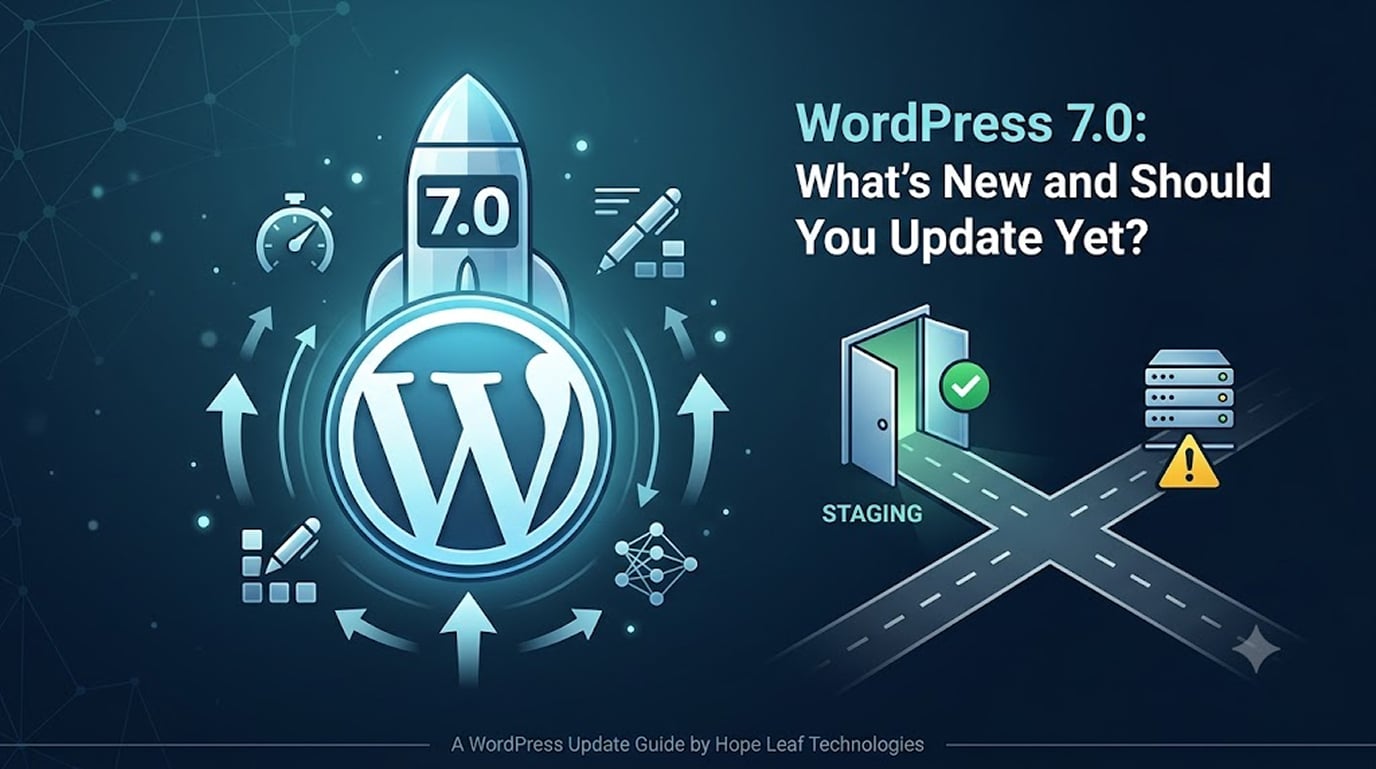
Keeping WordPress core, themes, and plugins up to date is another crucial security measure. Outdated software can contain vulnerabilities that hackers can exploit to gain access to the website. Developers should regularly check for updates and apply them promptly to ensure that the website remains secure. Additionally, using a staging environment to test updates before applying them to the live website can help prevent potential issues.
Security plugins can provide an additional layer of protection for WordPress websites. Popular security plugins, such as Wordfence, Sucuri, and iThemes Security, offer features like malware scanning, firewall protection, and login security. By configuring these plugins and following their recommendations, developers can significantly enhance the security of their websites. Additionally, implementing security best practices, such as disabling file editing in the WordPress dashboard and limiting login attempts, can further protect the website from attacks.
Troubleshooting Common WordPress Issues
Despite its user-friendly interface, WordPress can sometimes present challenges that require troubleshooting. Common issues include the “White Screen of Death,” plugin conflicts, and database connection errors. By understanding the root causes of these issues and following best practices for troubleshooting, developers can quickly resolve problems and ensure their websites run smoothly.
The “White Screen of Death” is a common issue where the website displays a blank white screen, typically due to a PHP error or memory limit exhaustion. To troubleshoot this issue, developers can enable debug mode by adding define(‘WP_DEBUG’, true); to the wp-config.php file. This will display error messages that can help identify the cause of the problem. Additionally, increasing the PHP memory limit by adding define(‘WP_MEMORY_LIMIT’, ‘256M’); to the wp-config.php file can resolve memory-related issues.
Plugin conflicts can occur when two or more plugins interfere with each other, causing errors or unexpected behavior. To identify and resolve plugin conflicts, developers can deactivate all plugins and then reactivate them one by one, checking the website’s functionality after each activation. This process can help pinpoint the conflicting plugin. Once identified, developers can seek alternative plugins, update the conflicting plugins, or contact the plugin developers for support.
Database connection errors can prevent the website from connecting to the database, resulting in an error message. This issue can be caused by incorrect database credentials, a corrupted database, or server issues. To troubleshoot database connection errors, developers should first verify the database credentials in the wp-config.php file. If the credentials are correct, they can use tools like phpMyAdmin to check the database for corruption and repair it if necessary. Additionally, contacting the web hosting provider can help identify and resolve server-related issues.
Conclusion: Your Journey to Becoming a WordPress Expert
Mastering WordPress development is a journey that requires dedication, continuous learning, and hands-on experience. By understanding the WordPress architecture, utilizing essential tools, following best practices for theme and plugin development, optimizing website performance, implementing effective SEO strategies, and enhancing security, developers can create stunning and highly functional websites.
As you continue to hone your skills and expand your knowledge, remember that the WordPress community is a valuable resource. Engaging with other developers, participating in forums, and attending WordPress events can provide valuable insights, support, and inspiration. By staying up to date with the latest trends and developments in WordPress, you can ensure that your skills remain relevant and that your websites continue to impress.
Embarking on the journey to becoming a WordPress expert can open up a world of opportunities, from creating beautiful personal blogs to developing complex e-commerce platforms. With the tips and strategies outlined in this guide, you are well-equipped to take your WordPress development skills to the next level and create stunning websites that captivate and engage your audience.
If you need professional help with your WordPress project, contact us to discuss your website development requirements.