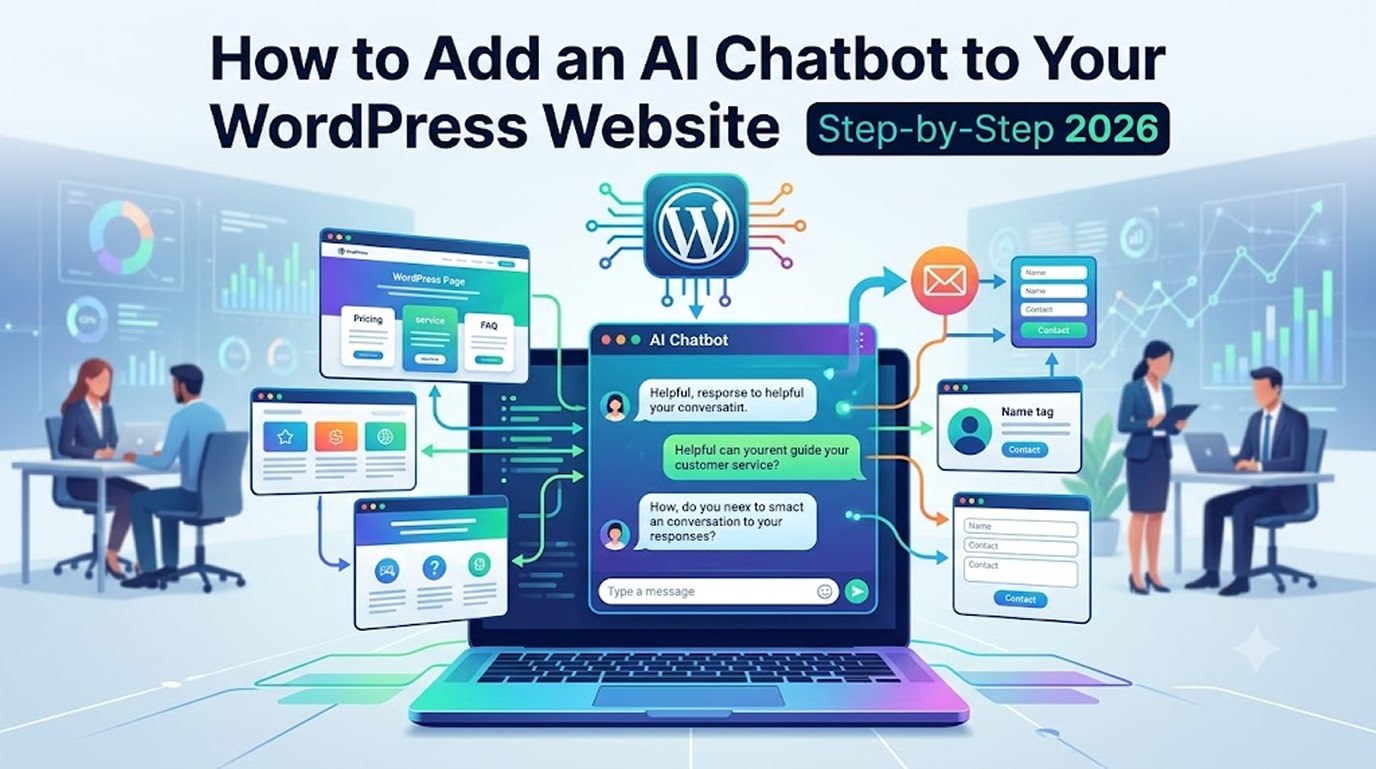
Learning how to add AI chatbot to WordPress starts with a simple truth: every enquiry your business misses at 11pm is a customer someone else answers at 9am. That’s the case for an AI chatbot in 2026: trained on your content, it answers questions about your services, pricing, and availability around the clock — and captures the lead when it can’t.
The technology has crossed the threshold from gimmick to genuinely useful, and adding one to WordPress no longer requires a developer for basic setups. Here’s the full process to add AI chatbot to WordPress, honest plugin comparisons, and the mistakes that make chatbots annoying instead of helpful.
Why Small Businesses Are Adding AI Chatbots Now
The chatbots of five years ago followed rigid scripts and collapsed the moment a question was phrased unexpectedly. Modern AI chatbots understand natural language, using the same large language model technology behind tools like ChatGPT, and — crucially — can be trained on your own website content, so they answer with your actual prices, policies, and services rather than generic filler.
For a small business the practical wins are:
- 24/7 first response — visitors get answers instantly instead of waiting for office hours
- Lead capture — the bot collects name, email, and requirement when a human is needed
- Fewer repetitive emails — “do you deliver to…”, “what are your hours”, “how much is…” get answered automatically
- Multilingual support — modern bots respond in the visitor’s language automatically, valuable for businesses serving diverse markets
Choosing an Approach Before You Add AI Chatbot to WordPress
| Approach | Good For | Typical Cost | Effort |
|---|---|---|---|
| WordPress AI Chatbot Plugin | Most small businesses | Free–₹4,000/month | Low |
| Hosted Chatbot Platform (Embed Widget) | Multi-channel (website + WhatsApp + Instagram) | ₹1,500–₹8,000/month | Low–Medium |
| Custom-Built (API-Based) | Specific workflows, CRM integration, full control | Build cost + API usage | High |
For a first chatbot, a WordPress plugin or hosted platform is the right call. Custom builds make sense once you know exactly what you need automated. When comparing specific plugins, evaluate them on four things: can it train on your own content, does it hand off to a human/email gracefully, does it capture leads, and does it load lightly (a chatbot that wrecks your Core Web Vitals costs more traffic than it converts — see our INP guide).
Step-by-Step Setup
Step 1: Define the Job Before You Add AI Chatbot to WordPress
List the ten questions you answer most by phone or email. That list is your chatbot’s job description and your test script later.
Step 2: Install and connect
Install your chosen plugin, connect it to an AI provider (most walk you through creating an API key, typically via OpenAI’s API platform or a similar provider), and set a monthly usage cap so costs can’t surprise you. Typical small business usage runs a few hundred rupees to a couple of thousand per month in AI costs.
Step 3: Train it on your content
Step 4: Set up lead capture and handoff
Step 5: Style and place the widget
Step 6: Test like a difficult customer
Run your ten-question list, then try misspellings, mixed languages, and questions the bot shouldn’t answer (legal advice, competitor comparisons, made-up services). Verify it deflects gracefully and hands off properly.
Step 7: Review transcripts monthly
Mistakes That Make Chatbots Annoying
Get these wrong and you’ll wish you never bothered to add AI chatbot to WordPress in the first place:
- Auto-opening with a pop sound on every page. The fastest way to feel like spam.
- No human escape route. Every bot needs a clean “talk to a person” path.
- Letting it improvise pricing or promises. Constrain it to your actual content; an AI confidently misquoting your prices is worse than no bot.
- Skipping the training step. An untrained bot gives generic answers and erodes trust.
- Ignoring page speed. Load the widget after user interaction so it doesn’t drag your INP score down.
Frequently Asked Questions
How much does it cost to add AI chatbot to WordPress?
Plugin route: ₹0–₹4,000/month plus modest AI usage costs. Professionally installed, trained, and branded: typically ₹15,000–₹40,000 one-time plus running costs.
Will the chatbot give wrong answers?
A well-trained bot constrained to your content is reliable for factual questions; the configuration in Steps 3–4 exists precisely to prevent improvisation. Always review transcripts in the first weeks.
Does a chatbot slow down my website?
Cheap implementations do. Deferred loading (the widget script loads on interaction) keeps Core Web Vitals green.
Chatbot or WhatsApp button — which should I choose?
Want to Add AI Chatbot to WordPress Without the Trial and Error?
See Our WordPress Maintenance Plans
- Get a Fixed-Price Chatbot Quote → hopeleaftechnologies.com/contact-us/
We Build Every Site in Elementor Pro
Hopeleaf Technologies is a specialist Elementor agency — we design in Figma and build in Elementor Pro on WordPress. Fast, editable, and built to rank on Google.