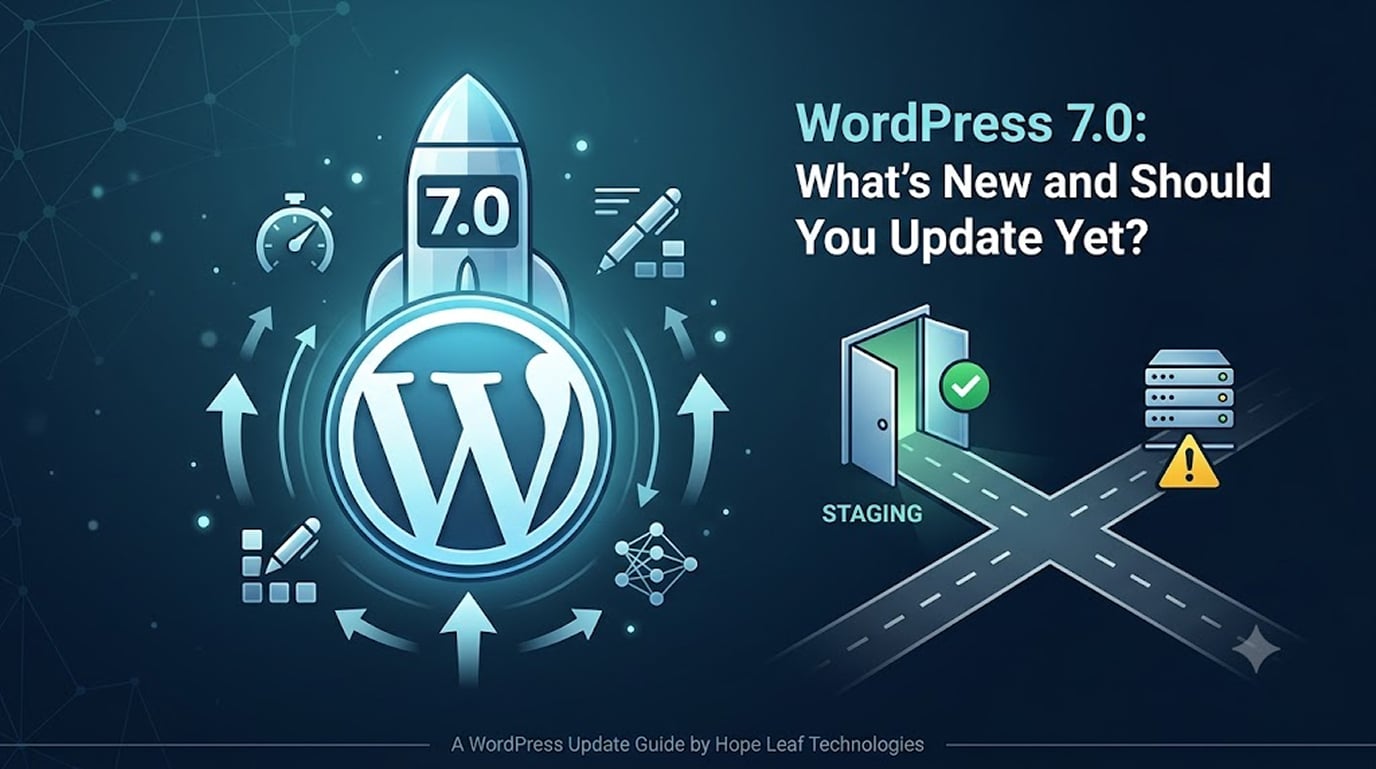
A major WordPress version number always triggers the same two questions from site owners: what do I get? and will it break my site? WordPress 7.0 is a milestone release, and the sensible answer to “should I update?” is — as usual — yes, but not carelessly.
Here’s what matters about WordPress 7.0 new features for business site owners, the compatibility checks to run first, and the safe update procedure we use on every client site.
What's New in WordPress 7.0 (for Site Owners, Not Developers)
Major releases bundle hundreds of changes; these are the WordPress 7.0 new features a business owner actually feels:
A faster core. Each recent major release has shipped measurable performance work — smarter asset loading, better caching behaviour, and reduced overhead. Faster core means better Core Web Vitals with zero effort on your part.
Editor improvements. The block editor continues maturing for content editing — smoother writing experience, better media handling, and design tools that matter if you use the block editor for posts (even on sites where pages are built in Elementor).
AI-era foundations. WordPress core has been steadily adding the plumbing modern features rely on — improved APIs and interactivity groundwork that your plugins (chatbots, search, personalisation) build on.
Security and modernisation. New minimum PHP recommendations and hardened defaults. If your host still runs an old PHP version, a major WordPress release is your prompt to upgrade that too — it’s free speed and security.
Publishing note: check the official WordPress release announcement for the full feature list — and treat any specific claims about 7.0 you read elsewhere with the same care.
Should You Update to WordPress 7.0 Now?
Our standing recommendation for business sites:
- Wait roughly 2–4 weeks after any major release before updating production sites. The x.0.1 patch that follows every major version exists for a reason.
- Never skip the update entirely. Running old WordPress versions is the security equivalent of leaving for vacation with the door unlocked — most hacks exploit known, already-patched vulnerabilities.
- Minor releases (7.0.1, 7.0.2…) should apply automatically. Leave auto-updates on for those.
Pre-Update Compatibility Checklist for WordPress 7.0
Run through this before touching the update button:
- Elementor & Elementor Pro: confirm both are on their latest versions — Elementor ships compatibility updates around every major WordPress release, and updating Elementor first prevents most issues.
- Your critical plugins: check the “Tested up to” line for your forms, SEO, WooCommerce, and security plugins. One or two lagging minor plugins is normal; a lagging critical plugin means wait.
- PHP version: confirm your host runs a currently supported PHP version (8.1+ at minimum; newer is better).
- Backup: take a full, verified backup — files and database — stored off the server.
- WooCommerce stores: double caution. Confirm WooCommerce and your payment gateway plugins explicitly support the new version before updating a live store.
The Safe Update Procedure
- Update on staging first. A staging site is a private clone where breakage costs nothing — we covered the full setup in our WordPress staging guide.
- On staging: update WordPress core → theme → plugins, in that order.
- Click through the money paths: homepage, menus, contact forms, checkout, login. Look for layout breaks, console errors, or forms that silently stopped sending.
- If staging is clean, repeat on the live site during a low-traffic window.
- Re-test the money paths on live. Keep the backup for at least a week.
Total time: under an hour. Cost of skipping it: occasionally a broken checkout you discover from an angry customer email.
What to Do If the Update Breaks Something
Frequently Asked Questions
Is WordPress 7.0 safe with Elementor?
Elementor releases compatibility updates around every major WordPress version. Update Elementor and Elementor Pro to their latest versions first, then update WordPress — and test on staging.
What happens if I just never update?
Your site keeps working — until a known vulnerability in your old version is exploited by a bot, or a plugin drops support for it. Delayed updates also pile up, making the eventual jump riskier.
Will updating change how my site looks?
Not if your pages are built in Elementor or a theme — major releases change the engine, not your design. The rare exceptions are why staging tests exist.
Can you just handle this for me?
Yes — our maintenance plans include staged, tested updates for every WordPress, theme, and plugin release, so version numbers become someone else’s problem.
Want every update tested and applied without you thinking about it?
See Our WordPress Maintenance Plans
- Get a Free Quote → hopeleaftechnologies.com/contact-us/
We Build Every Site in Elementor Pro
Hopeleaf Technologies is a specialist Elementor agency — we design in Figma and build in Elementor Pro on WordPress. Fast, editable, and built to rank on Google.