WordPress security isn’t about stopping a targeted attacker — most hacked WordPress sites aren’t targeted, they’re harvested. Automated bots scan millions of sites a day for the same handful of open doors: outdated plugins, weak passwords, missing firewalls. Which is good news, in a way: closing those doors is neither technical nor expensive, and this checklist walks you through it as a site owner, not a developer.
Work through it once, then put the recurring items on a monthly rhythm — and your WordPress security will stay ahead of the automated scans doing the rounds every day.
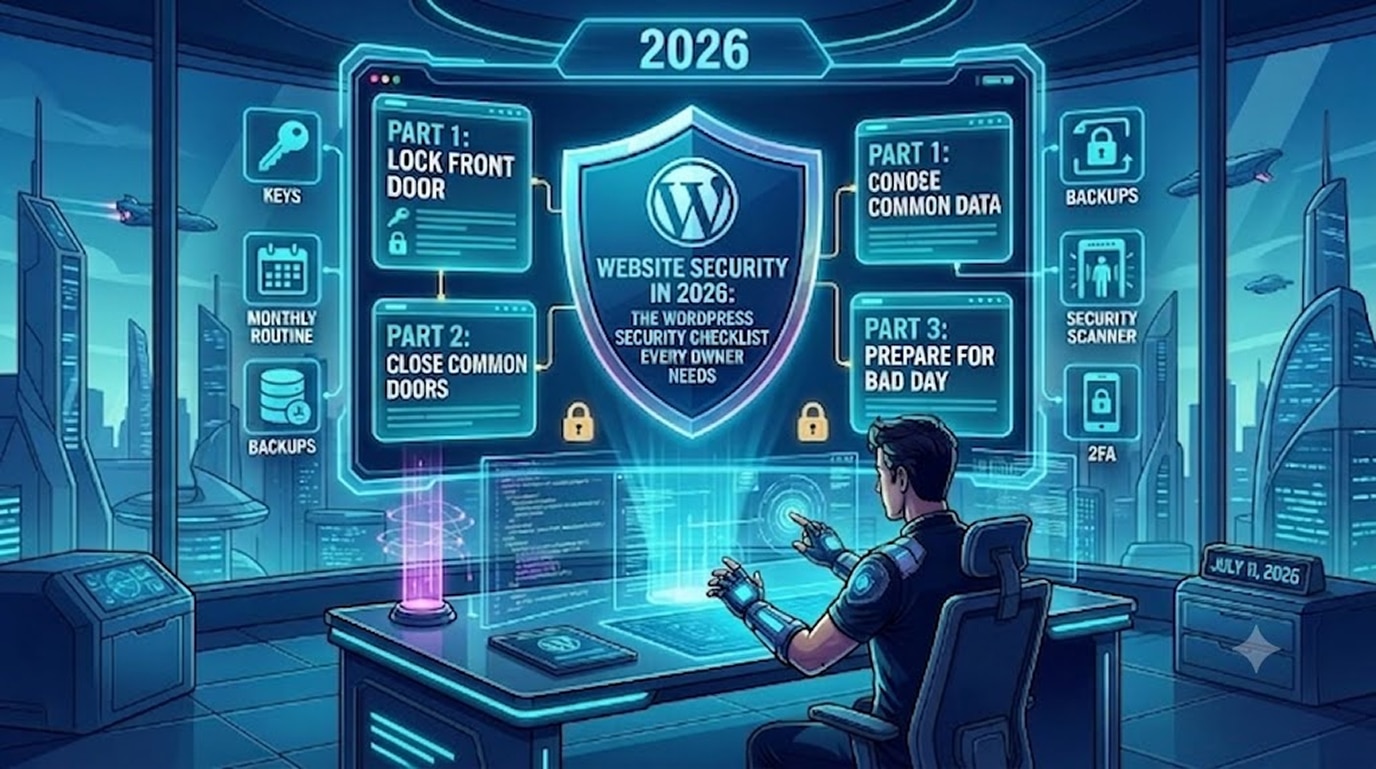
Part 1: Lock the Front Door on WordPress Security (30 minutes)
- Fix your login credentials. Delete any user named “admin,” give every account a long unique password from a password manager, and remove old accounts from past developers and staff — forgotten accounts are a classic way in.
- Turn on two-factor authentication (2FA). A stolen password becomes useless without your phone. Wordfence and most security plugins include 2FA; enabling it takes five minutes and blocks the single most common attack outright.
- Apply least privilege. Your content writer needs Editor access, not Administrator. Every unnecessary admin account multiplies your risk.
- Limit login attempts. Bots guess passwords thousands of times per hour. Rate-limiting login attempts (built into security plugins) shuts brute-force attacks down.
Part 2: Close the Common Doors (1 hour)
- Update everything — on a schedule.Outdated plugins are the #1 cause of WordPress security failures, year after year, according to WPScan’s vulnerability database, which tracks plugin vulnerabilities across the ecosystem. Update core, themes, and plugins at least monthly; enable auto-updates for minor security releases. For business-critical sites, test updates on a staging site first (see our staging setup guide).
- Delete what you don’t use. Deactivated plugins and themes still carry vulnerabilities. If it’s not active, remove it.
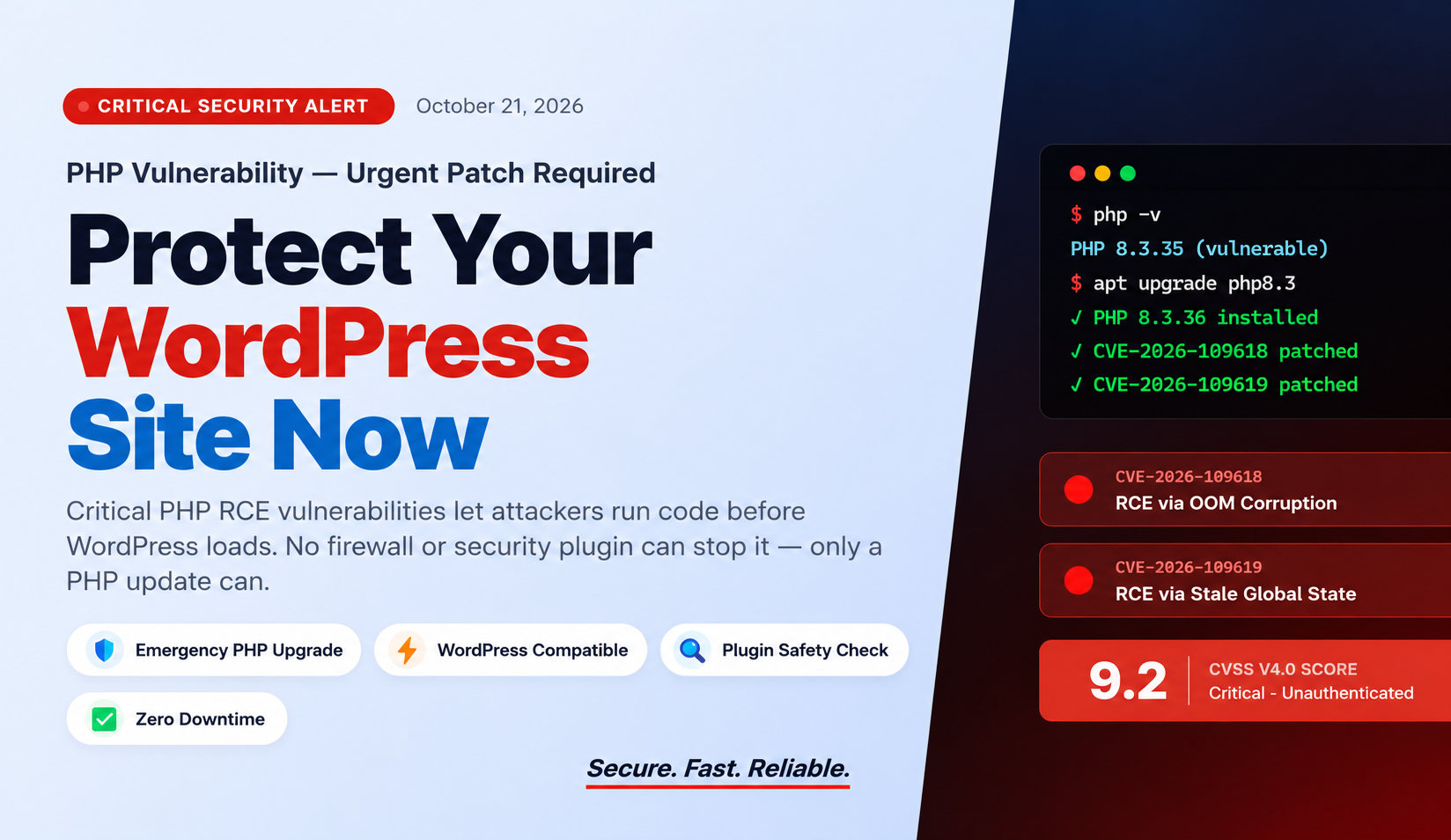
- Install a security plugin with a firewall. A Web Application Firewall (WAF) filters malicious traffic before it reaches WordPress. Wordfence is our standard on client sites; Cloudflare in front adds network-level protection and bot filtering for free.
- Confirm HTTPS everywhere. Every page should load over https:// with no mixed-content warnings. SSL certificates are free via your host or Cloudflare; there is no excuse in 2026.
- Choose hosting that pulls its weight. Good hosts provide server firewalls, malware scanning, PHP version management, and isolation between accounts. If your ₹99/month shared host offers none of that, your savings are an unpaid insurance premium.
Prepare Your WordPress Security for the Bad Day (30 minutes)
- Automate off-site backups. The difference between a hack being a disaster and an inconvenience is a clean backup. Daily automated backups, stored off your hosting account (Google Drive, S3, or your backup plugin’s cloud), retained for at least 30 days. Test a restore once — a backup you’ve never restored is a hope, not a plan.
- Turn on malware scanning and alerts. Security plugins can scan files against known-good versions and email you when something changes. Detection speed determines damage: a hack caught in hours is a cleanup; caught in months, it’s blacklisted rankings and lost customer trust. Google’s guidance on hacked sites confirms that delayed detection significantly worsens search visibility recovery.
- Monitor uptime. A free uptime monitor pinging your site every minute tells you about problems before your customers do.
Your Monthly WordPress Security Routine (15 Minutes)
- Run all updates (after checking the changelog for anything major)
- Confirm backups actually ran — open the folder and look
- Review the security plugin’s scan report and login activity
- Test the site’s key journey (menu → contact form / checkout)
- Remove any users, plugins, or themes no longer needed
That’s it. Fifteen disciplined minutes a month prevents the overwhelming majority of WordPress compromises.
Frequently Asked Questions
How do WordPress sites actually get hacked?
Overwhelmingly through outdated plugin vulnerabilities and stolen or weak passwords — both fully preventable with the WordPress security steps above. WordPress core itself is rarely the weak point.
Are free security plugins enough for WordPress security?
For most small business sites, yes — free Wordfence plus Cloudflare, 2FA, and disciplined updates covers the essentials. Paid tiers add faster firewall rule updates, worthwhile for e-commerce.
What should I do if my site is already hacked?
Don’t just delete the weird files — malware hides in multiple places. Restore from a clean backup or get a professional cleanup, then fix the entry point (usually an outdated plugin) or you’ll be re-hacked within weeks.
What if I don't want to do any of this myself?
That’s exactly what maintenance plans are for: we handle updates, backups, firewall, monitoring, and fixes for a flat monthly fee — typically less than one hour of a developer’s emergency rate.
Rather Never Think About WordPress Security Again?
Our WordPress maintenance plans cover updates, backups, security monitoring, and fixes — so your WordPress security stays handled while you run the business.
- See Maintenance Plans → hopeleaftechnologies.com/contact-us/
We Build Every Site in Elementor Pro
Hopeleaf Technologies is a specialist Elementor agency — we design in Figma and build in Elementor Pro on WordPress. Fast, editable, and built to rank on Google.