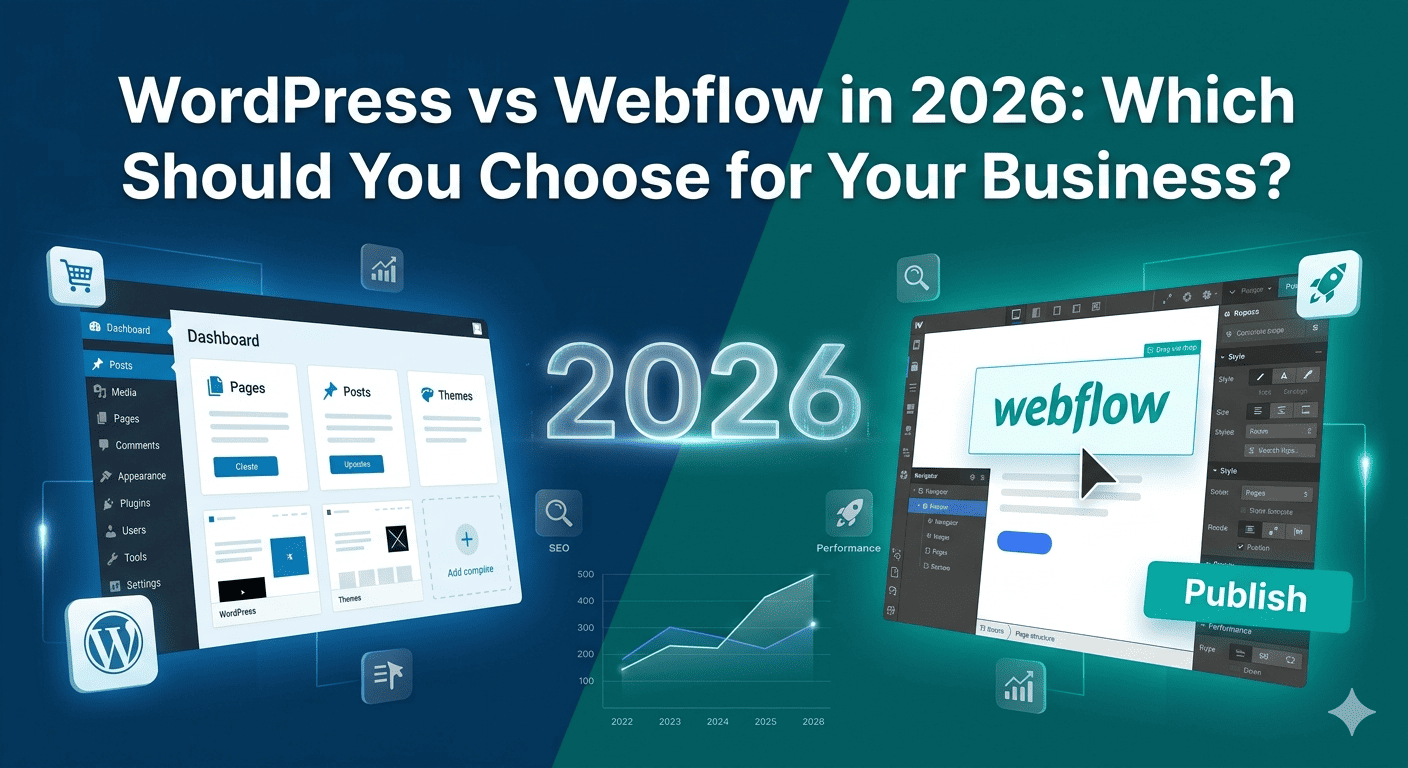
Webflow has grown significantly since 2022. Its visual design tools are genuinely impressive, its hosting is fast, and its code output is cleaner than many WordPress vs Webflow setups. It’s attracted a loyal following among designers who value design freedom over plugin ecosystems.
WordPress vs Webflow, meanwhile, still powers 43% of the internet and has responded to Webflow’s rise with continued improvements to the block editor, Full Site Editing, and a strengthened Elementor ecosystem. The debate in 2026 is more genuine than it’s ever been.
We are a WordPress specialist agency. We’re not going to pretend to be neutral — but we are going to be honest. Here is the real comparison, and the honest answer to which platform you should choose in 2026.
WordPress vs Webflow — Full Comparison 2026
| Factor | WordPress + Elementor | Webflow |
|---|---|---|
| Pricing | $59/yr Elementor + hosting from $6/mo | $14–$212/month (platform fee) |
| Design Freedom | High — with Elementor Pro | Very High — canvas-level control |
| Learning Curve | Moderate — Elementor simplifies it | Steep — especially for CMS and logic |
| CMS / Blog | Excellent — native WP post system | Good — Webflow CMS, limited by plan |
| E-Commerce | Excellent — WooCommerce (free, full-featured) | Limited — Webflow Commerce (pricey) |
| Plugin Ecosystem | 60,000+ plugins | ~50 official integrations + Zapier |
| SEO Control | Full — RankMath, all technical SEO control | Good — but limited technical SEO depth |
| Hosting | Choose your own (self-hosted) | Webflow hosting required for publish |
| Data Ownership | Complete — your server, your data | Webflow controls the infrastructure |
| Multilingual Sites | Full — WPML, Polylang, Weglot | Limited — Webflow Localization (paid) |
| Maintenance | Ongoing — plugin/core updates required | Minimal — Webflow handles platform |
| Exit Strategy | Full portability | Locked into Webflow infrastructure |
| Developer Flexibility | Unlimited — PHP, REST API, custom code | Limited — no server-side code |
Where Webflow Genuinely Wins
1. Design Precision for Designers
Webflow’s canvas gives designers pixel-level control that Elementor, for all its power, doesn’t quite match. Webflow’s approach treats the layout like a design tool rather than a website builder. For designers who think in CSS and flexbox rather than WordPress vs Webflow widgets, Webflow’s interface is genuinely more intuitive.
2. Cleaner Code Output
A well-built Webflow site generates cleaner HTML and CSS than the average WordPress vs Webflow + Elementor site. Elementor’s DOM output has improved significantly with the Optimized DOM Output experiment, but Webflow still has an edge on code cleanliness out of the box.
3. Simpler Hosting — No Server Management
Webflow’s hosted infrastructure handles security, CDN, SSL, and performance automatically. For non-technical business owners who never want to think about server management, this simplicity has real value. With WordPress, someone has to manage hosting, updates, and security — even if it’s your agency on a retainer.
Where WordPress Wins — And Why It Matters More
1. E-Commerce — WooCommerce vs Webflow Commerce
WooCommerce is free, open-source, and powers 23% of the world’s top e-commerce sites. It handles unlimited products, complex shipping rules, variable products, subscription billing, multi-currency, GST invoicing, and every payment gateway from Razorpay to Stripe — for free or low-cost plugins.
Webflow Commerce is expensive (starts at $29/month just for the e-commerce feature) and significantly limited in functionality. It lacks native subscription billing, multi-currency with different pricing, advanced shipping rules, and the plugin ecosystem that WooCommerce has built over a decade. For any serious e-commerce project, WordPress + WooCommerce wins clearly.
2. CMS and Content Scale
WordPress is a CMS first and a website builder second. Its native post types, taxonomies, custom fields (via ACF), and REST API give developers the tools to build genuinely complex content architectures — real estate listings, property portals, job boards, directory sites, membership platforms. Webflow’s CMS is cleaner for simple blogs and portfolios but hits structural limits on complex content models.
3. Cost at Scale
A WordPress site with a ₹850/month VPS, Elementor Pro ($59/yr), and RankMath Pro ($6.99/mo) costs under ₹2,000/month to run properly. A comparable Webflow site with the CMS and e-commerce features enabled costs $74–$212/month — ₹6,000–₹17,000/month — before a single plugin or integration is added. Over three years, the cost difference is substantial.
4. You Own Your WordPress Site Completely
Your WordPress files, database, and all your content live on a server you control. You can migrate to a different host, switch developers, or hand the site to a technical in-house team at any time. With Webflow, you’re publishing to Webflow’s infrastructure. If Webflow changes its pricing, closes a plan tier, or changes its terms, your options are limited. This is not a hypothetical concern — Webflow has raised prices multiple times since 2020.
Who Should Use Webflow in 2026?
- Design agencies that prioritise pixel-perfect visual control and work primarily with designer clients
- Portfolio sites for individual designers, photographers, and creatives with minimal content management needs
- Simple brochure sites (3–5 pages) with no e-commerce, no complex CMS, and a client who wants zero maintenance
Who Should Use WordPress in 2026?
- Any business that sells products or services online — WooCommerce is the clear winner for e-commerce
- Sites that need a content management system — blogs, news, resources, case studies
- Businesses that want to own their platform fully and not be locked into a SaaS subscription
- International or multilingual sites — WordPress’s multilingual ecosystem is far more mature
- Sites targeting Indian markets — Razorpay integration, GST invoicing, and local SEO tools are better supported
- Any site that needs custom functionality — WordPress’s PHP codebase and REST API make custom development straightforward
Our Honest Verdict for 2026
Webflow is a genuinely excellent platform for the specific use case it serves best: visually ambitious, content-light, design-led projects where the client values aesthetic freedom and will never need e-commerce, complex CMS structures, or deep plugin functionality.
WordPress is the better choice for the vast majority of small and medium business websites — particularly those with e-commerce, multilingual requirements, complex content needs, or a desire to own their digital infrastructure without ongoing platform dependency. The combination of WordPress + Elementor Pro delivers comparable design freedom to Webflow, with significantly better CMS capabilities, e-commerce, and long-term cost structure.
- Our recommendation: if you need e-commerce, a real CMS, or full data ownership — choose WordPress. If you're a designer building a visually complex portfolio or brochure site with no e-commerce or scale plans — Webflow is a legitimate choice.
We Build WordPress Websites That Compete with Webflow on Design — and Outperform It on Everything Else
Hopeleaf Technologies designs in Figma and builds in Elementor Pro on WordPress. The result is a site that looks custom-crafted, loads fast, ranks on Google, and is 100% owned by you.
- Start your WordPress project → hopeleaftechnologies.com/contact-us/
We Build Every Site in Elementor Pro
Hopeleaf Technologies is a specialist Elementor agency — we design in Figma and build in Elementor Pro on WordPress. Fast, editable, and built to rank on Google.