WordPress vs Wix — and where does Squarespace fit in? Choosing a website platform is a five-year decision disguised as a five-minute one. Pick right and your site grows with your business. Pick wrong and in eighteen months you’re paying for a migration — we rebuild sites from Wix and Squarespace every month, and almost every client says the same thing: “I outgrew it faster than I expected.”
Here’s the honest 2026 comparison, including who each platform is genuinely right for.
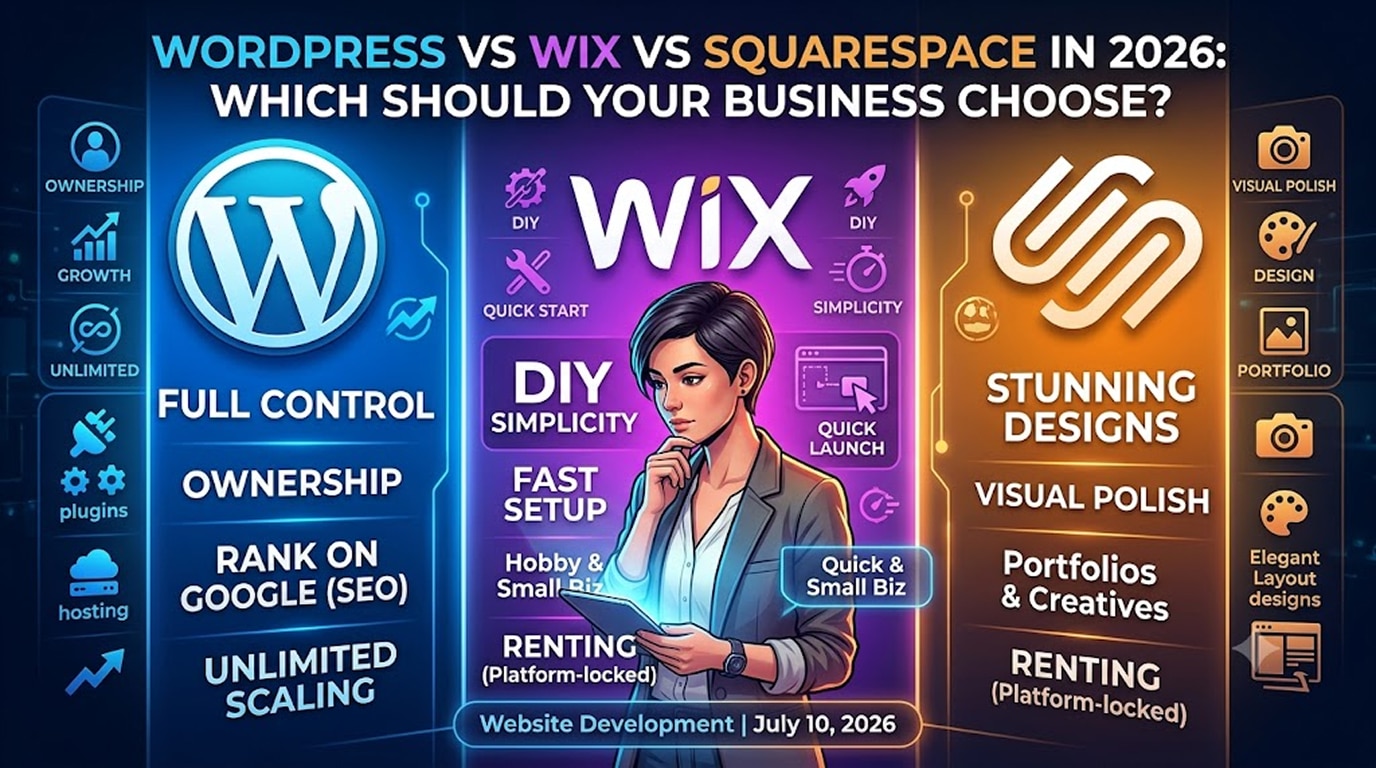
WordPress vs Wix vs Squarespace : The Short Answer
- Wix — best for hobby sites and very small businesses that want DIY simplicity and will never need much more.
- Squarespace — best for portfolio-style sites where visual polish matters more than SEO or features.
- WordPress — best for businesses that want to rank on Google, own their website outright, and grow without platform limits. It powers over 40% of all websites for a reason.
Head-to-Head Comparison
| Factor | WordPress | Wix | Squarespace |
|---|---|---|---|
| Ownership | You own everything | Platform-locked | Platform-locked |
| Design freedom | Unlimited (Elementor, custom) | Good, within templates | Excellent, within templates |
| SEO capability | Best-in-class | Improved, still limited | Adequate |
| E-commerce | WooCommerce — unlimited | Basic–mid | Basic–mid |
| Plugins/extensions | 60,000+ | Small curated market | Very limited |
| Monthly cost | Hosting ~₹400–₹2,000 | ₹1,200–₹3,500 | ₹1,400–₹4,000 |
| 5-year cost of ownership | Lowest | Highest | High |
| Can you move your site elsewhere? | Yes, fully | No — rebuild required | Mostly no |
| Best for | Growth-focused businesses | Simple DIY sites | Portfolios, creatives |
The Factors That Actually Decide It
Ownership: the difference nobody explains
On Wix or Squarespace you’re renting. Stop paying and the site vanishes; want to leave and you cannot export the design — only some content. Your website is a business asset; on WordPress it’s your asset: files, database, design, everything portable to any host on earth.
SEO: where the gap is widest
Wix and Squarespace have genuinely improved their SEO tools, and small local sites can rank fine on them. But WordPress gives you full control over everything Google’s own SEO documentation covers: URL structures, schema markup, Core Web Vitals optimisation, advanced SEO plugins like RankMath, and unlimited content architecture. In competitive niches, that control is the difference between page one and page three.
Cost: builders are cheaper for one year, dearer for five
A builder’s ₹1,500/month looks harmless until you multiply it by 60 months — ₹90,000 — for a site you still don’t own. A professionally built WordPress site is a one-time investment (see our full website cost guide) with hosting at a fraction of builder subscriptions. DIY WordPress is cheaper still, if you have the time.
Growth: the ceiling problem
Every builder story ends the same way: the business needs a booking system, a customer portal, a multilingual version, a proper store, or an integration the platform doesn’t offer. On WordPress the answer is “yes, there’s a plugin or we’ll build it.” On a builder, the answer is eventually “you can’t.”
When We Honestly Recommend a Builder
We’re a WordPress agency, but we’ll tell you straight: if you need a one-page site for a side project, will update it yourself, have no SEO ambitions, and a sub-₹20,000 total budget — use Wix or Squarespace and be happy. The problems only start when a growing business runs into the ceiling.
Already on Wix or Squarespace and Feeling the Limits?
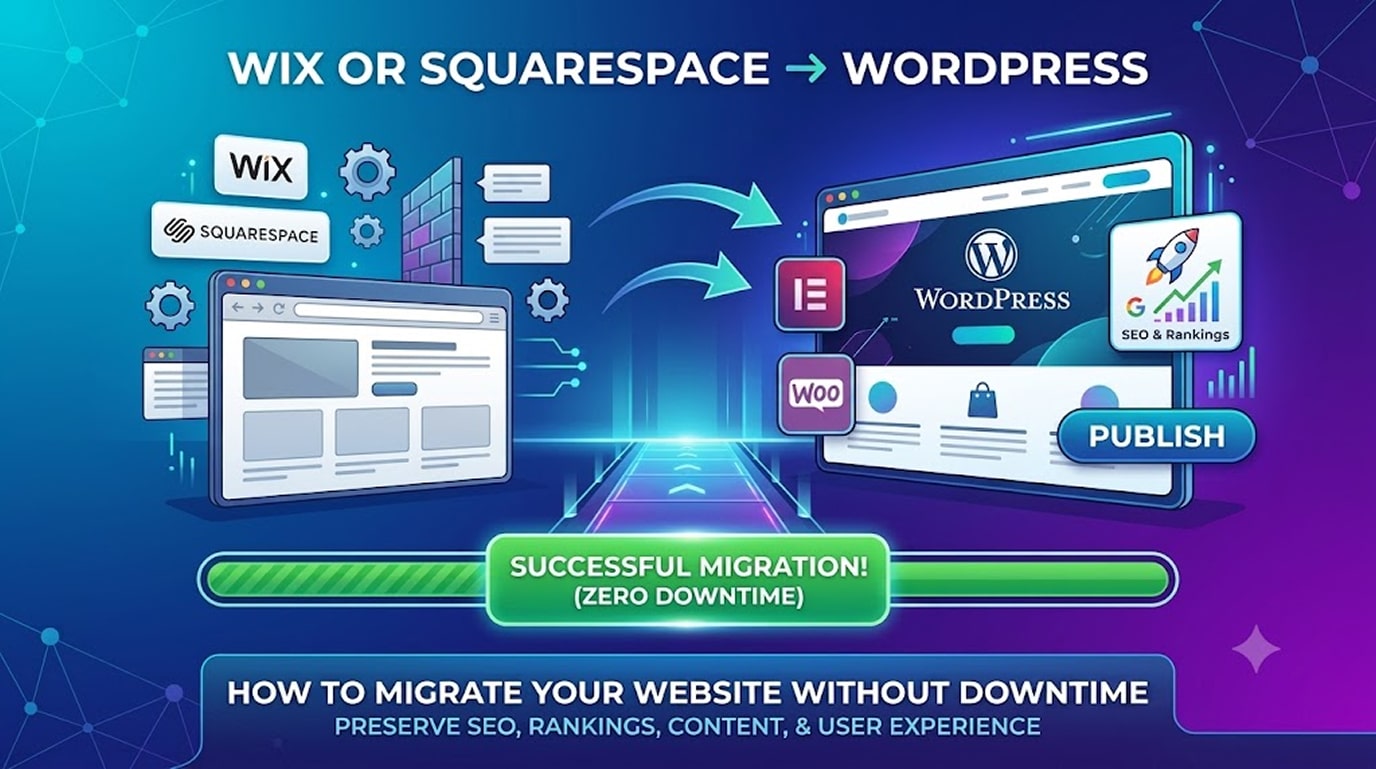
Migration to WordPress is a well-trodden path: content moves over, the design gets rebuilt (usually better) in Elementor, and with proper 301 redirects your Google rankings survive the move. We’ve done it dozens of times without ranking loss — see our step-by-step migration guide or ask us for a fixed migration quote.
Frequently Asked Questions
Is WordPress harder to use than Wix?
Building from scratch, yes. But a professionally built WordPress + Elementor site hands you a visual editor as easy as any builder — we include a recorded walkthrough with every launch, and clients update their own sites daily.
Which is best for SEO in 2026?
WordPress, clearly. Builders cover the basics; WordPress covers everything, including the schema and speed optimisation that AI search engines increasingly reward.
Which is cheapest?
Wix/Squarespace for year one; WordPress from roughly year two onward — permanently.
Can I move from Wix to WordPress without losing Google rankings?
Yes, if URLs are mapped with 301 redirects and on-page SEO is preserved. It’s a standard part of any professional migration.
Not sure which platform fits your plans?
Tell us where your business is heading and we’ll give you a straight recommendation — even if it isn’t us.
- Ask us: WordPress vs Wix, or something else entirely → hopeleaftechnologies.com/contact-us/
We Build Every Site in Elementor Pro
Hopeleaf Technologies is a specialist Elementor agency — we design in Figma and build in Elementor Pro on WordPress. Fast, editable, and built to rank on Google.