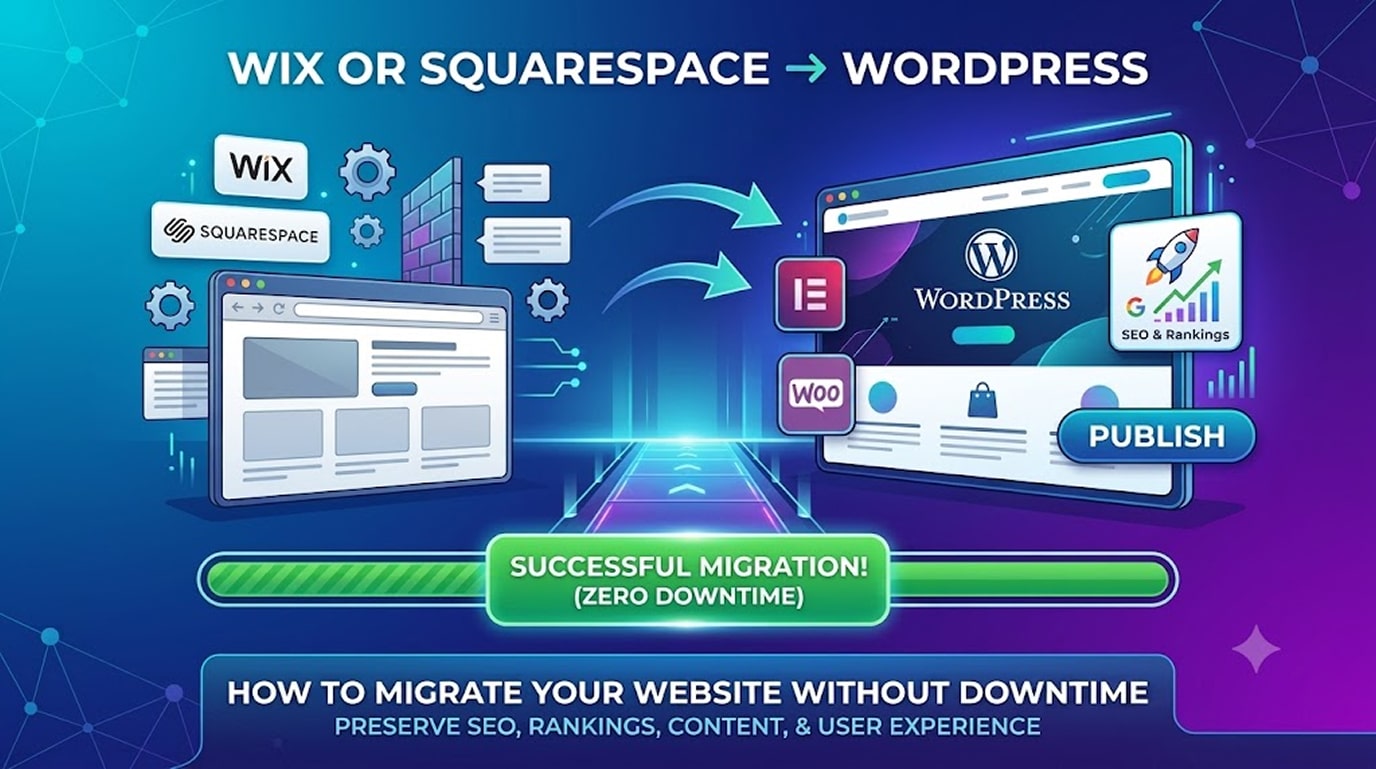
Deciding to migrate Wix to WordPress (or Squarespace to WordPress) usually starts the same way: you’ve hit the wall. The builder that got you online is now the thing holding you back. Rising subscription costs, SEO limitations, a feature you need that doesn’t exist, or simply the realisation that you don’t actually own your own website. The wall is real — and so is the well-trodden path over it.
We help businesses migrate Wix to WordPress (and Squarespace to WordPress) every month. Here’s the complete process, what genuinely transfers, and how to move without downtime or lost Google rankings.
Why Businesses Migrate Wix to WordPress in the First Place
The pattern is remarkably consistent: builders are excellent at getting a site launched and restrictive at helping it grow. The triggers that prompt a migrate Wix to WordPress decision:
- The subscription math stops working — ₹1,500–₹4,000/month forever, for a site you can never take with you
- Feature walls —the booking system, membership area, store functionality, or integration you need isn’t available
- SEO ceilings —limited control over URLs, schema, speed, and site structure while WordPress competitors pull ahead
- Ownership — leave the platform and the site simply ceases to exist; you can’t export a Wix or Squarespace website, only some of its content
If you’re still weighing whether to move at all, our full platform comparison covers the decision; this guide assumes you’ve decided and covers the how.
What Transfers — and What Gets Rebuilt
| Asset | Transfers? | How |
|---|---|---|
| Written content (pages, posts) | ✅ Yes | Export/import + manual porting |
| Images and media | ✅ Yes | Download and re-upload |
| Blog posts | ✅ Mostly | Squarespace exports to WordPress format; Wix needs tools/manual work |
| Domain name | ✅ Yes | Repointed at launch — you keep it |
| Google rankings | ✅ With correct redirects | The SEO steps below |
| Design/layout | ❌ No | Rebuilt (usually improved) in Elementor |
| Builder-specific apps/widgets | ❌ No | Replaced with WordPress equivalents — almost always better ones |
| Store products & customers | ✅ Yes | CSV export → WooCommerce import |
The design rebuild sounds like a downside; in practice it’s the opportunity — nearly every migration ships a faster, better-converting site than the one it replaces, because it’s rebuilt with current standards, following the same discipline covered in our redesign SEO checklist.
How to Migrate Wix to WordPress, Step by Step
Step 1: Inventory the existing site
List every page and its URL, export blog content, download all images, and record your top pages and keywords from Google Search Console/analytics. This inventory drives the redirect map later — the step that protects your rankings.
Step 2: Set up the new WordPress home
Quality WordPress hosting, WordPress installed, Elementor Pro, and a lean plugin stack (SEO, security, caching, forms). Critically, the new site is built on a staging URL, hidden from Google, while your live builder site keeps serving customers — this is why proper migrations have zero downtime.
Step 3: Rebuild the design and port the content
Step 4: Build the redirect map
Builders and WordPress use different URL patterns (Wix’s /post/title vs WordPress’s /title/, for example). Every old URL gets a 301 redirect to its new equivalent — one-to-one, no lazy homepage dumps. This spreadsheet is what carries your Google authority across the bridge.
Step 5: Test on staging
Every page, form, link, and — for stores — a full test checkout. Speed-tune to pass Core Web Vitals: the moment your site escapes builder infrastructure is the moment sub-2-second loads become possible.
Step 6: Launch day (the zero-downtime part)
Step 7: Monitor and cancel
DIY vs Hiring a Specialist to Migrate Wix to WordPress
DIY is viable for a small blog or brochure site if you’re comfortable with hosting, WordPress setup, and redirect configuration — budget a few weekends and accept some rough edges.
Hire a specialist when the site earns money, rankings matter, a store is involved, or downtime is unacceptable. A professional migration for a typical business site runs ₹50,000–₹1,50,000 ($600–$1,800), including redesign — usually recouped within 1–2 years of cancelled subscriptions alone, before counting the SEO upside.
Frequently Asked Questions
Will I lose my Google rankings when leaving Wix or Squarespace?
Not if URLs are mapped with proper 301 redirects and on-page SEO is preserved. Done right, most sites recover fully within weeks and then improve — WordPress simply gives Google more to like.
How long does a migration take?
Typically 3–6 weeks for a business site, 6–10 for a store — during which your existing site stays live and untouched.
Do I keep my domain and email?
Is there really no downtime?
Correct — the new site is fully built and tested before DNS is switched, so there’s never a moment without a working website.
Done paying rent on a website you don't own?
We’ve migrated dozens of Wix and Squarespace sites to WordPress with zero ranking loss.
- Get a Fixed Migration Quote → hopeleaftechnologies.com/contact-us/
We Build Every Site in Elementor Pro
Hopeleaf Technologies is a specialist Elementor agency — we design in Figma and build in Elementor Pro on WordPress. Fast, editable, and built to rank on Google.